Claude edited this video. Here's what it still can't do
The first episode of my podcast took 16 hours to edit. The second took about 10 minutes, and I didn't edit it. What made the difference, and the one format AI still can't edit by itself.
The first episode of The Operator Podcast took me 16 hours to edit. Three cameras, two microphones, and I did all of it by hand in Final Cut Pro.
The second episode took about 10 minutes, and I didn't edit it. I gave it to Claude Code, asked it to produce the episode, and it came out done.
The time saved is the easy part to explain. The harder part is that the same tool has also given me edits I wouldn't have been brave enough to publish. This post is about what separates the two, and the one format where I still haven't closed the gap.
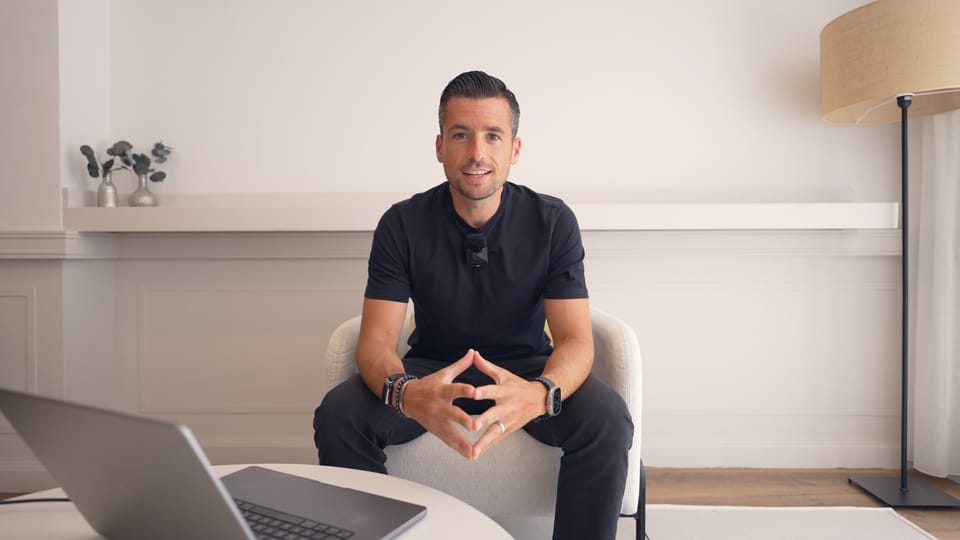
I filmed that video in August and then sat on it for almost three months, because it didn't fit my usual long-form format. In the end I gave it to my normal YouTube long agent, and the video above is the edit it made. Three new tools have come out since: Palmier Pro, Eddie AI and Kino. I saw Kino's launch video on X, and it's probably the best I've seen so far.
One decision, over and over
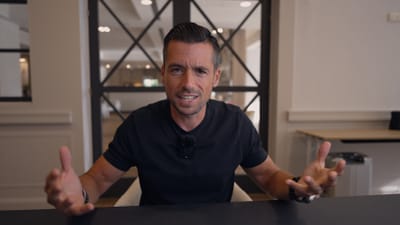
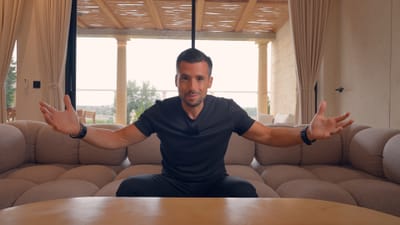
The Operator Podcast is filmed in person with three cameras: one on the guest, one on the host and a wide shot of both. The edit is mostly one decision, made again and again: who should be on screen right now? If the guest is talking, switch to the guest. If the host is talking, switch to the host. If the guest talks for a long stretch, go to the wide, then back to the guest.
None of it was skilled work. It was just 16 hours of work.
And I didn't have 16 hours an episode, so I was the bottleneck. I run two companies. I've got a 20-person dev team building Olatti, our new business phone system, and I've got circle.cloud. I had the first three or four episodes filmed for months before I found the time to start editing the first one, because I wanted that one right.
Why the first edits looked wrong
The first few times I asked Claude to edit the podcast, the output was kind of rubbish. It made the cuts I asked for and it was technically correct, but it didn't look right. Sometimes it clipped the end of someone's last word. Sometimes it left out the crossfade between clips, so you heard a pop every time the camera flicked from one side to the other.
So I fixed each one with a prompt: fix this particular issue, for this reason. The next edit had a different problem, and I wrote another prompt.
I was trying to fix style with prompts, one problem at a time. It took me far too long to see that.
Writing the style down once
What changed was that I stopped prompting for style and wrote it down once.
I built a set of skills and agents, one per format, each spelling out what I expect from every edit: which captions and what size, what goes in the hook and which captions the hook gets, what goes in the intro and what goes in the episode. There's an agent for the in-person podcast and a different one for remote podcasts. There's one for long-form YouTube, one for the vlog series, and one for shorts on YouTube, TikTok and Instagram, because shorts have a different frame rate and different captions.
The workflow, as it was in the summer
The demo in the video is episode one of Building Olatti, a new series I'm making.
It started in Recut, an app that imports the raw footage and highlights the silences. I could have had Claude Code do this. I used Recut because its sliders let me set what counts as silence, how long a silence has to last before it's marked, and how much padding to leave on either side of each cut. Keeping my own hand on that step gave the footage a bit of a human feel.
From Recut I exported a Final Cut Pro project. In Final Cut Pro I checked the joins sounded natural, took out the takes that were mistakes, and exported the project again as XML.
Then Claude Code, with one instruction: take this Final Cut Pro project and use the YouTube long agent to produce me the edit. About 10 minutes later there's a first draft. The agent adds section titles, receipts as B-roll and sound effects where they're needed, and saves the result as a Final Cut Pro project I can open.
Then come the notes. On this one, the animations' background colour didn't match the colour I'd chosen for the section cards. One animation had a figure too close to the left edge. Another had text sitting behind a line, which its instructions already say never to do. A third had a name spelled wrong. I told it all of that, and it made a new version.
It's the same loop I'd run with a human editor. They come with their own editing skills, they get my instructions for the project, and we go back and forth until it's a video we all like. What's different is the speed. I ask for the changes, go and do something else, and review it when Claude or Codex has finished.
Stop rendering every round
I kicked myself over this one. I'd done something like 15 or 20 videos with Claude or Codex, a mix of podcasts, shorts and long-form, and asked them to render the video every time.
You don't have to. These tools can read a Final Cut Pro project, and they can write one. You make your changes in Final Cut Pro and the agent reads them, and when it finishes an edit you open its project in Final Cut Pro and review it there. Encoding takes a good while: around an hour for a 10 to 12 minute video in 4K. If you can avoid encoding inside Claude Code, avoid it.
Where it breaks
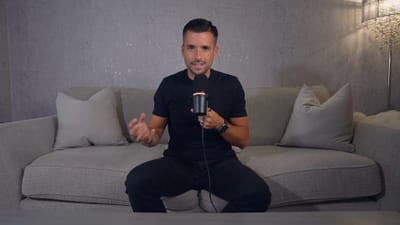
My vlog series is a piece to camera, then some B-roll, then I go about my day and do the same again. I asked Claude to edit the first episode and gave it as much instruction as I could, based on what I thought was right. What came back was vanilla, and it wasn't great.
I worked out why. A vlog edit is a long run of micro decisions. Why should the hook have 30 different shots? Wide, narrow or close-up? B-roll or not? Music or no music? B-roll over the music, or over me talking? It's very hard to prompt an AI to make those calls when you haven't made them yourself first.
I'd done that work for the shorts, the podcast and long-form. I hadn't done it for the vlog. So I need to edit at least one myself, analysing in excruciating detail what goes where, and then give the AI that knowledge.
The rule I ended up with
You can only automate the taste you can articulate.
It's got nothing to do with video. We've tried to automate several steps in our business, and unless you understand how each step works, you'll struggle to automate it. It's why I think outside companies that come in offering automations don't normally make it work. They'd need to understand your business deeply, and every step of the process they're automating, to build something that works. Having done the job yourself is what lets you explain it well enough to put it in a skill or an agent.
A 16-hour job now takes five minutes of my time. The tool took 10 minutes to install. Working out how I do what I do, and explaining it, has taken months, and I'm still working on it.
About a month after filming, the agents got good enough that I stopped using Recut. For shorts and podcasts I don't ask for a Final Cut Pro project any more. I ask for a 720p render because it's quicker, check it, ask for the 4K if it's good, and tell it where the video is going, and it schedules it on that platform automatically.
So for the short formats I've gone back to rendering, just a small render first.
The vlogs still can't be edited by AI alone. I've made five episodes, and on each one I've handed a bit more to AI. Right now I give it the raw footage, and it lays it out in chronological order, cuts out the mistakes, the repetition and the silences, and makes it flow better. I go over it and approve that first cut. Then it adds the timestamps and a hook montage at the start, and I check it all again.
The first edit always comes out bland, with no emotion in it. Once I've polished it by hand a few times, I can get the feeling into the edit that I want. But the more of the edit I hand to AI, the harder that gets.
If AI ends up doing the whole edit, how do you keep the feeling in it? Five vlogs in, I don't know yet.
The free founder newsletter
Join 480+ founders and operators getting my learnings from building and running my companies, straight to your inbox.
You might also like
Oct 22
Don't replace your team with AI agents
I'm not sacking anyone at circle.cloud to make room for AI. This is how we're putting AI employees in alongside 100+ people instead, and the part I think a lot of businesses will get wrong.
6 min read
Oct 01
What you missed at the AI Summit Barcelona 2026
Over 10,000 people went to AI Summit Barcelona 2026 to work out how to use AI. The hardest problem there wasn't the AI.
7 min read
Sep 08
The AI Propaganda Isn't Coming From Where You Think
Three people went viral arguing about AI. I watched the full speeches and checked every claim. The propaganda is real, but it isn't coming from them.
7 min read
Aug 01
The AI Price War, From Someone Who Pays the Bills
Six weeks ago I said your AI bill could jump ten times. Then China slammed that door shut. What the price war means if you build on AI, and what I'm changing inside my companies.
9 min read
Jul 11
I Stopped Looking at the Code
I built a working iPhone app from a cinema seat, without reading a single line of code. What changed, and the quality control system that makes it safe.